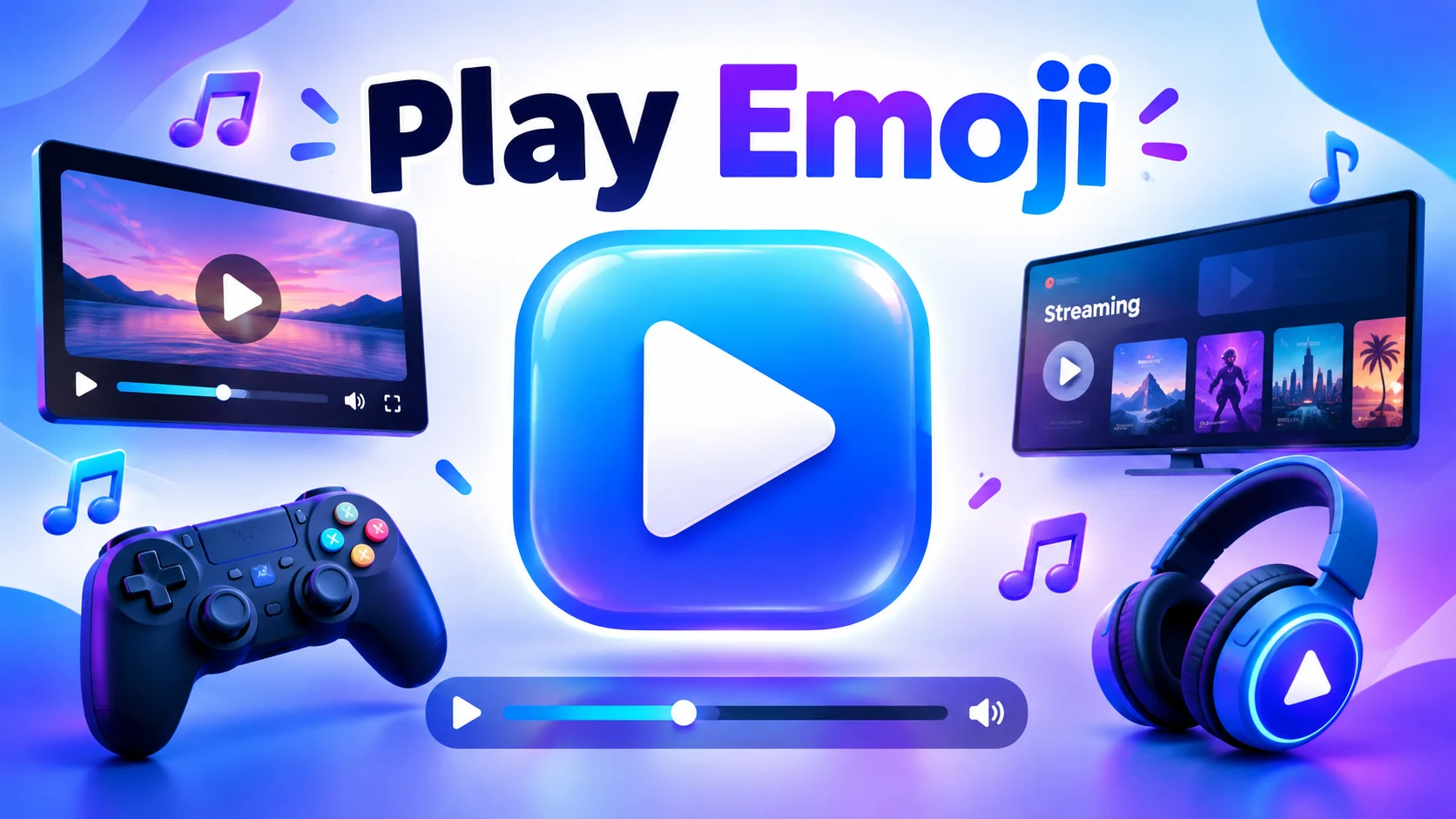
The play emoji ▶️ is commonly used to represent playing a video, starting music, launching content, or beginning an activity. However, when people search for the “play emoji,” they may also mean gaming emojis such as 🎮, video symbols such as ⏯️, or fun-related emojis such as 🕹️. The right choice depends on your message and the platform you are using.
If you want to share a YouTube video, create a gaming caption, post on Instagram, or tell someone to press play, this guide covers the most popular play-related emojis, their meanings, examples, and combinations you can copy and paste.
Quick Answer: What Is the Play Emoji?
The most recognizable play emoji is ▶️, a right-pointing triangle commonly used as a play control. It represents starting or playing media, although its exact appearance and presentation can vary across platforms.
Here are the most useful play-related emojis:
| Emoji | Name or Common Meaning | Best Use |
| ▶️ | Play button | Starting a video or audio track |
| ⏯️ | Play or pause button | Media controls |
| ⏵ | Play symbol | Simple text-based play symbol |
| 🎮 | Video game | Gaming, gamers, and gameplay |
| 🕹️ | Joystick | Arcade games and gaming nostalgia |
| 🎬 | Clapper board | Movies, filming, and video creation |
| 📺 | Television | TV shows and video entertainment |
| 🎵 | Musical note | Music and audio content |
| ⏸️ | Pause button | Pausing media |
| ⏭️ | Next track or scene | Skipping forward |
| 🔴 | Red circle | Recording indicators or live content, depending on context |
| 🎯 | Direct hit or target | Gaming goals and achievements |
What Does the Play Emoji Mean?
The play emoji can communicate different ideas depending on the symbol, message, and platform.
1. Starting a Video
The ▶️ symbol is widely recognized as a play control. It can indicate that a video is ready to start or encourage someone to watch content.
Example: “The new video is here ▶️🎬”
2. Playing Music
The play symbol can also refer to starting a song, playlist, or audio recording.
Example: “Press play and enjoy the music ▶️🎵”
3. Gaming and Entertainment
The 🎮 and 🕹️ emojis are associated with video games and interactive entertainment. They are useful in gaming profiles, streaming captions, and conversations about favorite games.
Example: “Gaming time starts now 🎮🔥”
4. Taking Action
Sometimes, ▶️ is used metaphorically to mean “start,” “go ahead,” or “let’s begin.”
Example: “New week, new goals. Press play ▶️🚀”
5. Creating and Sharing Content
Creators may use ▶️ or 🎬 to draw attention to videos, reels, trailers, and other media.
Example: “Watch the full story here ▶️✨”
Remember that ▶️ is primarily a media-control symbol, while 🎮 specifically suggests video gaming. They are related, but they are not interchangeable in every situation.
Best Play Emojis and Their Meanings
▶️
Play Button Emoji
The classic play symbol represents starting or playing media. Use it in video descriptions, music messages, content announcements, and instructions.
Example: “The moment you’ve been waiting for ▶️”
Copy emoji
🎮
Video Game Emoji
This emoji represents video games, gaming sessions, consoles, and gaming culture. It is a natural choice for gamer bios and gameplay posts.
Example: “Ready for another gaming session 🎮”
Copy emoji
⏯️
Play or Pause Emoji
This symbol combines play and pause controls. It is useful when discussing playback settings, audio controls, or media players.
Example: “Pause when you need a break ⏯️”
Copy emoji
🕹️
Joystick Emoji
The joystick symbolizes arcade games, classic gaming, and interactive entertainment. It is especially useful for retro gaming content.
Example: “Old-school games never get boring 🕹️”
Copy emoji
🎬
Clapper Board Emoji
This emoji is associated with filmmaking, movie production, video projects, and behind-the-scenes content.
Example: “Lights, camera, action! 🎬”
Copy emoji
Play Button Emoji vs. Gaming Emoji
One of the most common questions is whether ▶️ and 🎮 mean the same thing. Although both relate to entertainment, their usual meanings are different.
| Feature | ▶️ Play Emoji | 🎮 Gaming Emoji |
| Main meaning | Start or play media | Video games and gaming |
| Video content | Very suitable | Sometimes suitable |
| Music playback | Suitable | Usually not the best choice |
| Gaming posts | Can mean start playing | Clearly suggests gaming |
| Social media captions | Content launches and video links | Gaming updates and gamer identity |
| Common message | “Watch this” | “Let’s play a game” |
Use ▶️ when you want people to start watching or listening. Choose 🎮 when you want to communicate gaming specifically.
For example, “New episode ▶️” suggests that a video is ready, while “Game night 🎮” suggests a gaming activity.
Best Play Emoji Combinations
Combining emojis can make your message more expressive. Here are some useful combinations for social media, messaging, and entertainment content.
▶️🎬
Play a video
For new videos, trailers, and short films.
The new video is live ▶️🎬
Copy
🎮🔥
Gaming excitement
For intense matches, gameplay, and gaming highlights.
Ready to win another round 🎮🔥
Copy
▶️🎵
Start the music
For songs, playlists, and music recommendations.
Your favorite song starts now ▶️🎵
Copy
🕹️👾
Retro gaming
For arcade games, classic consoles, and gaming nostalgia.
Back to the classic gaming days 🕹️👾
Copy
▶️✨
New content
For announcements, reels, and creative projects.
Something special is ready to watch ▶️✨
Copy
🎮🏆
Gaming achievement
For victories, tournaments, and personal bests.
Played hard and earned the win 🎮🏆
Copy
Play Emoji for WhatsApp
WhatsApp users can use play-related emojis in messages, statuses, and group conversations. The best symbol depends on what you want to share.
| Situation | Example Message |
| Sharing a video | Watch this ▶️ |
| Sending a song | Listen to this track ▶️🎵 |
| Inviting a friend to game | Want to play? 🎮 |
| Sharing a funny clip | This is hilarious 😂▶️ |
| Announcing a new video | New video is out 🎬▶️ |
| Starting a challenge | Let’s get started ▶️💪 |
| Gaming with friends | Game night tonight 🎮🔥 |
| Sharing a movie | Movie time 🍿🎬 |
| Celebrating a win | Victory unlocked 🎮🏆 |
| Encouraging someone | Your next chapter starts now ▶️✨ |
You can also add ▶️ to a WhatsApp status to suggest that a video or new activity is beginning. However, the emoji itself does not create a playable video or link. You still need to attach the media or provide a working link.
Play Emoji for Instagram, TikTok, and YouTube
The play emoji is useful for content creators who want to make captions easy to scan. However, each platform has its own style and audience.
Use ▶️ to announce reels, tutorials, and video posts. Gaming creators can use 🎮, while filmmakers may prefer 🎬.
Caption examples:
- New reel, new memories ▶️✨
- Watch until the end ▶️👀
- Behind the scenes 🎬📸
- Gaming highlights of the week 🎮🔥
- A little creativity goes a long way ▶️🎨
TikTok
On TikTok, play-related emojis can support short, energetic captions.
Examples:
- Press play and enjoy ▶️
- Wait for the ending 👀▶️
- Gaming mode activated 🎮🔥
- New challenge starts now ▶️💪
- Your daily dose of fun 😂🎬
YouTube
The ▶️ symbol is especially recognizable in video-related contexts. It can be used in a video announcement, playlist description, or channel post.
Examples:
- New episode available now ▶️
- Watch the complete tutorial ▶️💻
- Gaming highlights and best moments 🎮🏆
- Music playlist for your day ▶️🎵
Using the emoji does not automatically improve a video’s reach or ranking. Clear titles, useful content, and an appropriate thumbnail remain important for helping viewers understand what a video offers.
How to Copy and Paste the Play Emoji
Copying a play emoji is simple.
- Find the symbol you want, such as ▶️, ⏯️, or 🎮.
- Select and copy it on your device.
- Open WhatsApp, Instagram, TikTok, YouTube, or another supported app.
- Paste the emoji into your message, caption, bio, or status.
- Add text if you need to explain what you mean.
You can copy these symbols directly:
▶️
Play button
Copy
⏯️
Play or pause
Copy
🎮
Video game
Copy
🕹️
Joystick
Copy
⏸️
Pause button
Copy
Common Mistakes When Using the Play Emoji
1. Confusing the Play Symbol With a Gaming Emoji
The ▶️ symbol generally refers to playback, while 🎮 usually represents video games. Select the symbol that matches your message.
2. Using Too Many Symbols
A caption full of unrelated emojis can be difficult to read. One or two relevant symbols are often enough.
3. Assuming the Emoji Is a Functional Button
Typing ▶️ in a message does not make it a clickable media player. It is a symbol unless it is part of an actual interface that provides playback functionality.
4. Ignoring Context
A play emoji in a music conversation may mean starting a song. In a motivational caption, it may mean beginning a new chapter. Include words when the intended meaning is unclear.
5. Expecting Identical Appearance on Every Device
Emoji and symbol designs can differ between operating systems, apps, fonts, and platforms. Some symbols may appear as monochrome text characters rather than colorful emoji.
Practical Tips for Using Play Emojis
- Choose the right symbol: Use ▶️ for playback and 🎮 for gaming.
- Match the platform: A gaming caption may suit 🎮🔥, while a professional video announcement may suit ▶️🎬.
- Keep it readable: Avoid adding emojis after every word.
- Add a clear call to action: “Watch the full video ▶️” tells readers what to do.
- Use accessible wording: Do not rely on an emoji alone to communicate important information.
- Check the final appearance: Preview your message before posting, especially if it is part of a business profile.
- Copy the correct symbol: Play, pause, and next-track symbols have different meanings.
FAQs:
1. What is the play emoji?
The ▶️ symbol is commonly known as the play button emoji. It represents starting or playing media, such as a video or audio track.
2. What is the emoji for playing games?
The 🎮 video game emoji is a popular choice for gaming. The 🕹️ joystick emoji is another option, particularly for arcade games and retro gaming content.
3. What does ▶️ mean in a text message?
It usually means play, start, or watch, depending on the context. For example, “Watch this ▶️” suggests that the recipient should play a video.
4. What is the difference between ▶️ and ⏯️?
▶️ represents play, while ⏯️ represents a combined play-or-pause control. Their exact presentation can vary between platforms.
5. Can I use the play emoji on Instagram?
Yes. You can use ▶️ in captions, comments, bios, and other supported text fields to suggest watching a video or starting something new.
6. How do I copy the play emoji?
Select ▶️ from this article, copy it, and paste it into your preferred app. You can also copy 🎮 or 🕹️ if you mean gaming rather than media playback.
7. Is there a play emoji for music?
The ▶️ symbol can represent starting music. You can combine it with 🎵 or 🎧 to make the musical context clearer.
8. Does the play emoji make a video playable?
No. The emoji is a text symbol, not a functional media player. To let someone watch a video, attach the video or share a working link.
Conclusion
The play emoji ▶️ is a simple and recognizable way to represent starting a video, listening to music, or beginning an activity. Related symbols such as ⏯️, 🎮, 🕹️, and 🎬 provide more specific meanings for playback controls, gaming, arcade entertainment, and filmmaking. Choosing the right symbol makes your message clearer and more relevant.
If you are sharing a WhatsApp status, creating an Instagram reel, posting a TikTok caption, or announcing a YouTube video, play-related emojis can add personality to your content. Use them thoughtfully, combine them with clear wording, and remember that a symbol alone does not replace a working media link or actual playback control.

I’m Adrian Michael, a passionate writer who loves creating fun, clever, and memorable pickup lines. I enjoy helping readers flirt confidently, start conversations, and make meaningful connections.